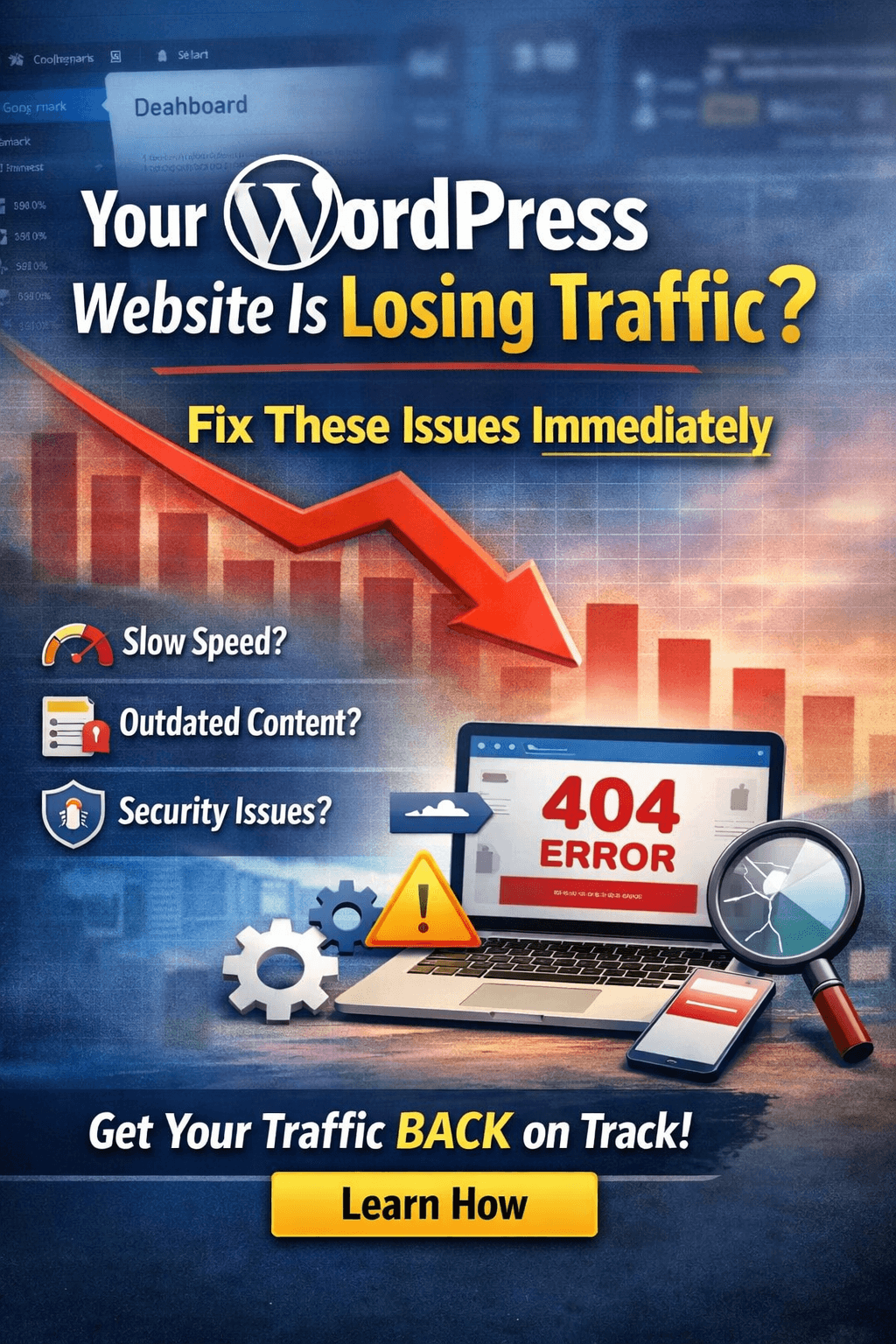
If your WordPress website is getting fewer visitors, there is a problem. Less traffic means fewer clicks, fewer leads, and fewer sales. Many website owners notice this only after their rankings drop. This makes it harder to fix.
Traffic usually does not drop suddenly. It drops slowly when small problems are ignored. These problems can be:
- Slow pages
- Weak content
- SEO mistakes
- Mobile problems
- Security risks
Fixing these problems early can help your traffic grow again.
QuickFixWP helps WordPress websites find hidden problems and bring back traffic. This guide shows the main reasons for traffic loss and how to fix them step by step.
1. Slow Website
Slow websites lose visitors. People leave if pages take too long to open. Google also lowers rankings for slow sites. Slow websites are often caused by:
- Heavy themes
- Large images
- Too many plugins
- Weak hosting
To make your website faster:
- Make images smaller
- Use caching tools
- Remove plugins you do not need
- Choose good hosting
- Use a content delivery network (CDN)
Faster websites keep visitors longer and reduce bounce rates.
2. User Experience
Google watches how people use your site. If pages jump while loading, buttons respond slowly, or content shows late, rankings can drop. A smooth website makes users and Google trust your site.
3. Hosting Problems
Cheap or crowded hosting can make your site slow or cause downtime. Google cannot reach your site easily in these cases. This hurts rankings. Better hosting improves speed, uptime, and security. This helps traffic stay steady.
4. Google Updates
Google changes its system often. Websites with old content or technical problems may lose visitors. Fixing this includes:
- Updating old pages
- Fixing broken links
- Making the site faster
- Making the site mobile-friendly
Regular maintenance prevents future traffic loss.
5. Content Quality
Good content brings visitors. Pages that do not answer questions clearly do not rank well. Short, confusing, or old content pushes visitors away. To improve content:
- Update old information
- Answer user questions clearly
- Use simple headings
- Link related pages
Helpful content builds trust and attracts visitors.
6. Keywords
Wrong keywords bring the wrong audience. Use simple words that people search for. Place keywords naturally in the text. Check which words bring traffic and improve them over time.
7. Broken Pages and Links
Broken pages confuse visitors and Google. If people see error pages, they leave. Fix broken links, redirect removed pages, and clean old URLs. This improves the site and helps SEO.
8. Mobile Experience
Most people browse on phones. Google ranks mobile sites first. A mobile-friendly website:
- Loads fast
- Uses readable text
- Has easy buttons
- Avoids popups
Better mobile sites keep visitors and improve rankings.
9. Security Problems
Hacked or unsafe websites lose visitors fast. They may also be removed from search results. Keep WordPress updated. Use strong passwords. Install security tools. Scan for malware. This protects visitors and rankings.
10. Plugins
Too many plugins can slow WordPress and cause conflicts. Remove plugins you do not need. Keep plugins updated. Avoid heavy plugins. This keeps your website stable and fast.
11. On-Page SEO
Simple SEO helps Google understand your pages. Use:
- Clear headings
- Internal links
- Clean URLs
- Image descriptions
Small changes improve traffic over time.
12. Hidden Technical Problems
Some problems are not visible but still hurt traffic. These include:
- Blocked pages
- Duplicate content
- Missing sitemaps
- Indexing mistakes
Fixing these helps Google crawl and rank your pages properly.
Traffic Recovery Steps
- Check website speed, SEO, and security.
- Fix technical errors.
- Update old content.
- Make the site mobile-friendly.
- Monitor traffic and rankings regularly.
Many websites recover successfully after fixing these problems. For example:
- A blog got visitors back in two months after improving speed and content.
- An online store increased sales after fixing mobile and performance problems.
Long-term traffic growth needs regular updates, fast speed, good security, and monitoring rankings. QuickFixWP provides ongoing WordPress care to help websites grow safely.