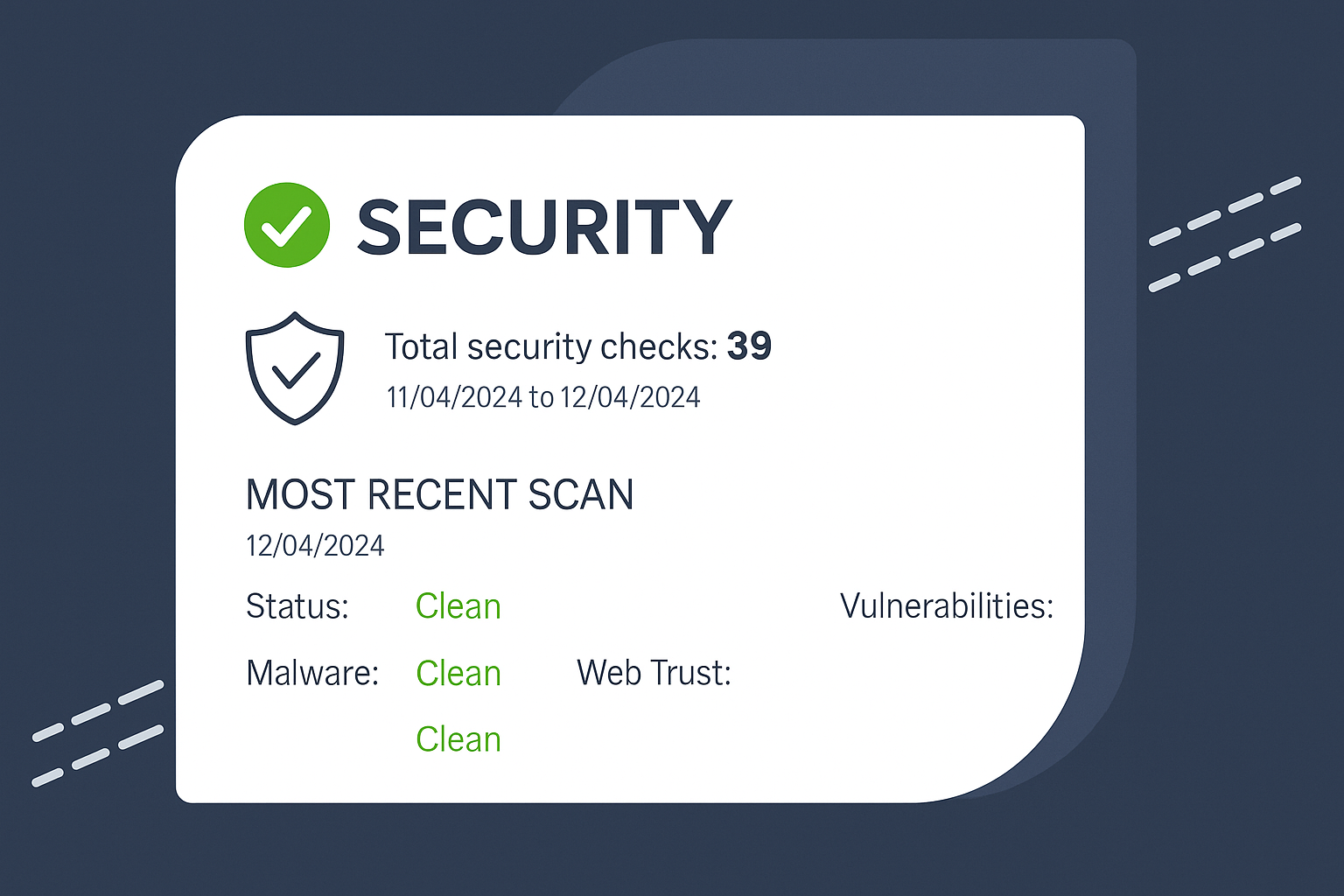

Malware Removal

WordPress Malware Removal & Hacked Site Cleanup

Is your WordPress website hacked, redirecting visitors, showing browser warnings, or behaving strangely? Submit your site for a malware review and get a clear cleanup plan before repair work starts.

  1. Malware, redirect, and suspicious file cleanup
  2. Manual scan and infected file review
  3. Security hardening after cleanup
  4. Clear quote before repair starts

Safe cleanup • Clear review first • WordPress security support

malware removal service on desktop

Common Malware Issues

Malware Problems We Fix

We diagnose and clean common WordPress security issues that affect website safety, trust, traffic, and user experience.

Suspicious Redirects

Fix unwanted redirects to spam, fake ads, unknown websites, or unsafe pages.

Google Warnings

Help clean issues that may trigger browser warnings, unsafe-site alerts.

Infected Scripts

Review files, theme files, plugins, uploads, scripts for malware or injected code.

Re-Infection Risks

Check for hidden access points, risky admin users and common reinfection causes.

Malware Fix

How WordPress Malware Removal Works

Submit your hacked website issue, get a security review, approve the cleanup plan, and let us remove the agreed malware safely.

Step 1

Submit Website URL

Share your website URL, malware symptoms, warning messages, urgency level, and preferred review time.

Step 2

Security Review

We check suspicious redirects, infected files, browser warnings, plugin/theme risks, and visible security issues.

Step 3

Cleanup Plan

You get the cleanup scope, price, and expected timeline before malware removal starts.

Step 4

Secure & Confirm

After approval, we remove the agreed malware, apply basic hardening, test the website

Clear quote first • Safe cleanup process • WordPress security support

What We’re Offering

Malware Clean or Full Website Care?

Choose the right support option for your website — one-time malware cleanup for urgent hacked-site issues, or ongoing WordPress care to reduce future security risks.

One-Time Malware Removal

Best for websites that are hacked, redirecting visitors, showing browser warnings, or behaving suspiciously. We review the issue, check infected files, remove agreed malware, apply basic security hardening, and test the website after cleanup.

Remove Malware Now

Complete WordPress Maintenance Plans

Our maintenance plans can include WordPress updates, plugin/theme updates, backups, uptime monitoring, security checks, performance checks, small fixes, malware risk reviews, and monthly care reports depending on your selected plan.

View Maintenance Plans

Need Help? We've Got You Covered

FAQs About Our Malware Clean.

Yes. We can review and clean common WordPress malware issues including redirects, suspicious files, injected code, and hacked-site symptoms.

Yes. We review common causes such as outdated plugins, weak admin access, risky themes, exposed files, and suspicious users.

We clean the site and guide the next steps for warning or blacklist review. Final warning removal may depend on Google, browser, or security provider review.

We use a careful cleanup process and test the website after changes. Risky changes are reviewed before applying.


Usually we need WordPress admin access. Some cases may also require hosting, cPanel, FTP, security plugin, or temporary technical access.


Reinfection usually means there is a hidden backdoor, vulnerable plugin, weak access, or server-level issue. We review the likely cause and recommend the safest next step.

Hear From Our Happy Clients:

What Store Owners Say About Our Malware Fixes

Here’s what our customers have to say

Clear quote first • Safe malware cleanup • WordPress security support

Need Malware Removed From Your WordPress Site?

Submit your hacked website, redirect issue, browser warning, or suspicious file problem and get a clear security review before cleanup starts.

Schedule Malware Cleanup Review