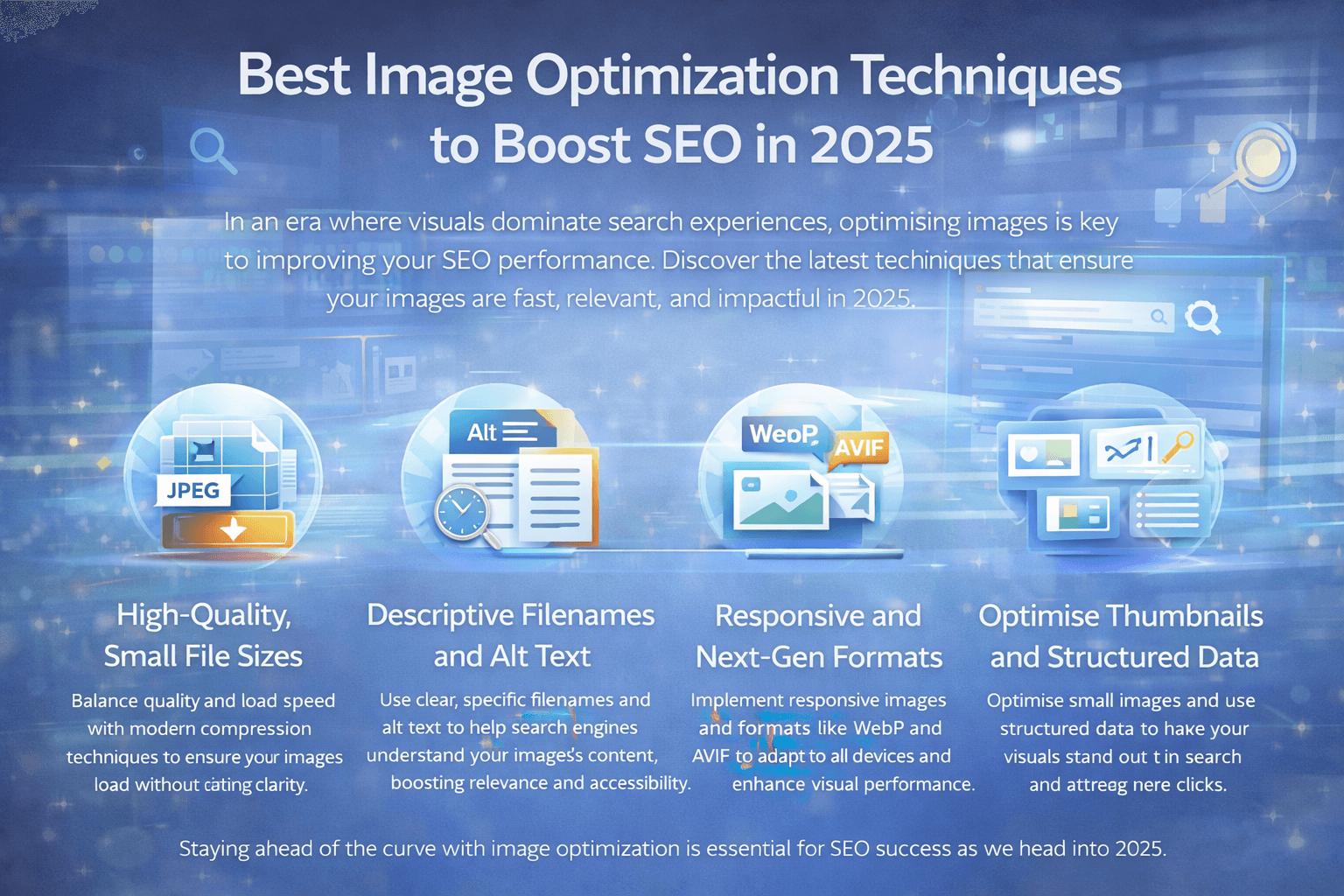
In 2025, images are very important for SEO. Search engines do not read text only. They also read images.
Good images make a website fast. Fast websites rank better on Google. Bad images make websites slow. Slow websites lose visitors.
This blog explains image optimization in very easy English. Anyone can understand it.
Why Image Optimization Is Important
Images take a lot of space on a web page. Big images slow down the website.
When a website is slow:
- People leave fast
- Google lowers ranking
- Sales go down
Image optimization helps to:
- Speed up the website
- Improve SEO
- Give better user experience
In 2025, image optimization is not optional. It is required.
How Google Looks at Images in 2025
Google is smart now. It understands images better.
Google checks:
- Image size
- Image type
- Image position
- Text near the image
- Page speed
If images are clear and fast, Google trusts the page more.
Best Image Formats for SEO
JPEG
JPEG is good for photos. Use it only if better formats are not available.
PNG
PNG is good for logos. Do not use PNG for big photos.
WebP
WebP is very good in 2025. Small size. Good quality. Works on most browsers.
AVIF
AVIF is the best image format today. It gives very small file size. Quality stays high.
SVG
SVG is best for icons and logos. It stays sharp on all screens.
Best rule: Use AVIF first. Use WebP second. Use JPEG or PNG last.
Compress Images the Right Way
Image compression makes images smaller.
Lossless Compression
No quality loss. Best for logos.
Lossy Compression
Very small quality change. Big size reduction. Best for photos.
Do not over-compress images. Blurry images look bad.
Correct Image Size Matters
Never upload very large images. Do not resize images using only CSS.
Best Practice
- Upload correct size image
- Use small images for mobile
- Use large images only when needed
This makes websites faster.
Responsive Images Help SEO
Responsive images change size on different screens.
Mobile users need small images. Desktop users can see bigger images.
Responsive images:
- Improve speed
- Improve user experience
- Help SEO
In 2025, responsive images are required.
Lazy Loading Images
Lazy loading loads images when needed.
Use lazy loading for:
- Images below the screen
Do not lazy load:
- Top images
- Hero images
Correct lazy loading improves page speed.
Images and Page Speed
Images affect page speed a lot.
To improve speed:
- Compress images
- Use modern formats
- Set image width and height
Fast pages rank higher on Google.
Image File Names for SEO
File names help Google understand images.
Good File Name
image-optimization-seo-2025.webp
Bad File Name
IMG_12345.webp
Use simple and clear names.
Alt Text for Images
Alt text explains images to Google.
Good alt text:
- Describes the image
- Is short and clear
- Uses keywords naturally
Alt text also helps blind users.
Image Placement Matters
Images should be near related text. This helps Google understand context.
Random images do not help SEO.
Image Sitemap
Image sitemap helps Google find images.
It is useful for:
- Blogs
- Online stores
- Image heavy websites
It improves image search traffic.
Images for Mobile SEO
Google checks mobile version first.
Images should:
- Load fast on mobile
- Fit small screens
- Not block content
Mobile image SEO is very important.
AI Images and SEO
AI images are allowed. But quality matters.
AI images should:
- Look natural
- Add value
- Match content
Bad AI images hurt trust.
Common Image SEO Mistakes
Avoid these mistakes:
- Uploading raw images
- Ignoring mobile users
- Using only JPEG
- Missing alt text
- Large image sizes
Small mistakes reduce rankings.
Simple Image Optimization Steps
- Choose right format
- Resize image
- Compress image
- Rename image
- Add alt text
- Use responsive images
- Test speed
Follow this for every image.
Final Words
In 2025, images control SEO success.
Optimized images:
- Load fast
- Rank better
- Improve user trust
- Increase traffic
If you want strong SEO, optimize images the right way.